
Services
Workflow Automation and Systems Integration
When repeated admin, reminders, and disconnected systems keep slowing the work down, Fablehaus Werks helps information move reliably without replacing the tools or judgment your team still needs.
Automate the repeatable work. Keep people in control of the decisions, exceptions, and relationships that matter.
When the team becomes the integration
The workflow moves because people keep pushing it.
The systems may each work on their own. The friction appears in the gaps between them, where staff copy information, send reminders, reconcile status, and remember the next step.
Information is entered more than once
The same names, dates, requests, or decisions are copied between forms, email, spreadsheets, CRM records, and other systems.
Progress depends on reminders
Approvals, missing-item requests, and next actions move only when someone remembers to check, chase, or resend them.
Status lives between systems
Each tool holds part of the truth, leaving people to compare records and explain what is actually happening.
Exceptions disappear into the normal path
When information is incomplete or a decision needs judgment, the workflow has no clear way to pause, escalate, or recover.
What a connected workflow changes
Routine work moves. People handle what needs judgment.
Good automation makes the next step more dependable and the exception more visible. It removes unnecessary handling without hiding how the workflow operates.
- Less repeated administration
Routine updates, routing, reminders, and record changes happen without the same information being handled again.
- Clear ownership and next action
Requests reach the right person with the context and timing needed to keep the work moving.
- Exceptions are easier to manage
Missing information, failed steps, and judgment calls are surfaced instead of disappearing inside the normal flow.
- A workflow the team can understand
The automation is documented and testable, with clear boundaries for systems, rules, and human review.
How we shape the automation
Connect the workflow without replacing what already works.
We design around the real trigger, rules, decisions, systems, and exceptions. Then we use the smallest useful combination of automation and integration.
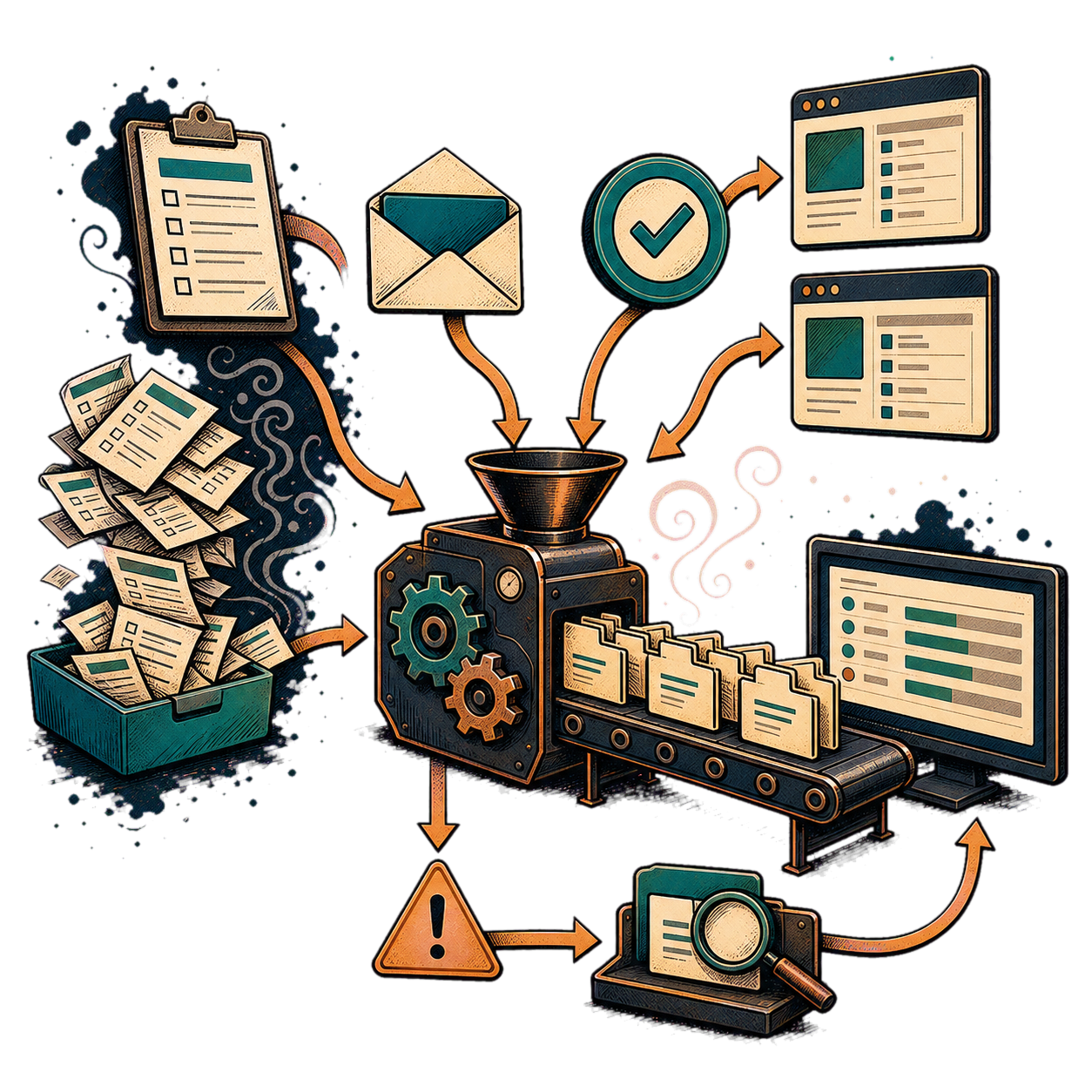
- Triggers and business rulesDefine what starts the workflow, what can happen automatically, and where judgment or approval remains essential.
- Forms, routing, and approvalsCollect the right information, move it to the right owner, record decisions, and keep the next step visible.
- Integrations and data movementConnect Microsoft 365, CRM, email, forms, and other practical platforms so useful information stays aligned.
- Exceptions and monitoringMake failures, missing information, and unusual cases visible with a defined owner and a safe recovery path.
How the engagement works
A controlled path from repeated work to reliable flow.
We define what should move, protect the decisions people still need to make, and test the normal path and the exceptions before handoff.
- 01
Frame the workflow
Confirm the trigger, owners, information, decisions, systems, volume, and friction worth addressing.
- 02
Design the automation
Map rules, routing, approvals, integrations, exceptions, monitoring, and the points that remain human.
- 03
Build and test
Build the agreed flow and test expected cases, missing information, failures, permissions, and recovery.
- 04
Launch and hand off
Release the workflow with clear ownership, operating notes, training, and a practical way to review changes.
Before we automate the workflow
A few practical questions about fit and control.
- Do we need to replace our current systems?
- Usually not. The first option is to use and connect the systems already in place where they can still support the workflow reliably.
- What should not be automated?
- Work that is highly variable, poorly understood, low value, or dependent on sensitive judgment may need process clarification or human ownership before automation is appropriate.
- Is AI required for workflow automation?
- No. AI is only one possible tool. Many useful automations rely on straightforward rules, routing, notifications, integrations, and clear process design.
Workflow Review
Ready to simplify the workflow your team keeps fighting with?
Start with a Workflow Review. We'll look at the process, find the friction, and identify the simplest useful next step.